 German
 English (UK)
 English (US)
 French
 Italian
 Turkish
 Chinese (Simplified)
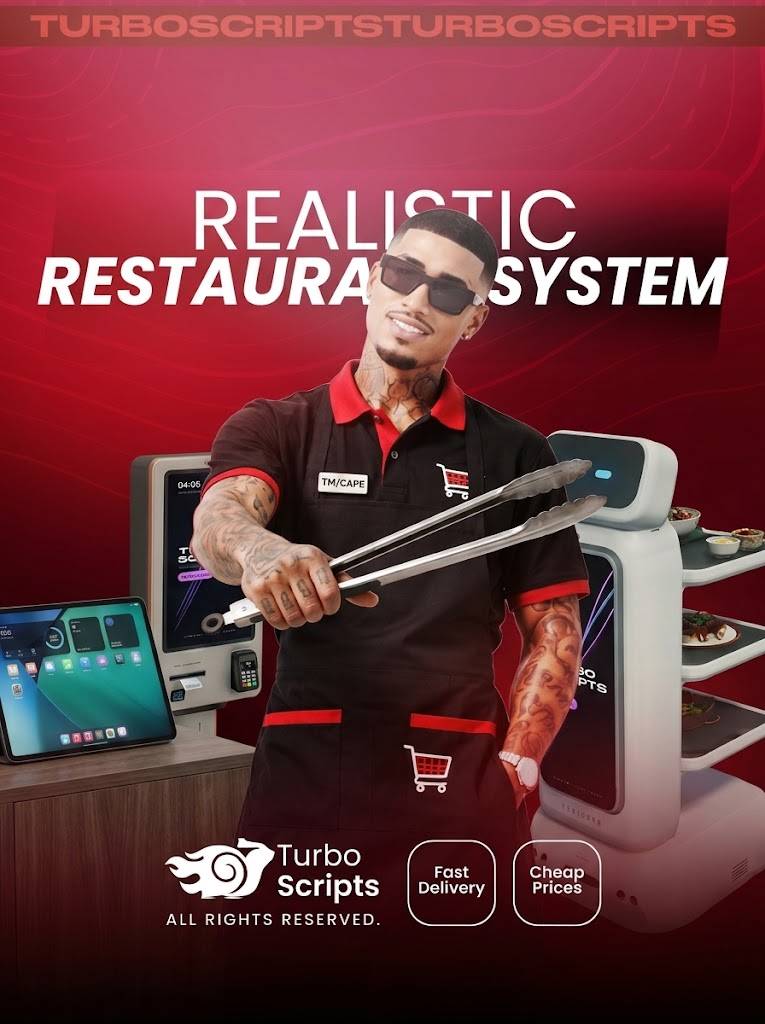
Realistic Restaurant
30.00USD
Package Description
Open your own restaurant on your server. Cook every dish step by step, take orders on a robot's touchscreen, let the robot carry the food to your customers and run the whole business from an iPad-style tablet.
Press E at the robot or kiosk and order on its 3D screen.
A new-order card pops up for everyone on the team.
Grill, slice, bake and plate it yourself at the counter.
Put it on the tray; the robot walks it to the customer.
Earnings land in your restaurant's till.
Opened with /restorantim. It looks and feels like a real iPad: lock screen with notifications, a 4-digit passcode, widgets, light and dark mode and custom wallpapers.
| Restaurant | Name, slogan, logo, cover image, accent color and a QR link shown on every robot and kiosk. |
| Menu | Items with price, description, category and image. Switch an item off when it runs out. |
| Orders | New, preparing, ready, delivered. Cancel with an automatic refund and see where the robot is with each order. |
| Devices | Place robots and kiosks with a live ghost preview, set the kitchen point, mute a robot, re-scan its wall map. |
| Till | Today's revenue, order count and recent activity. Deposit and withdraw. |
| Team | Hire nearby players or by server ID, set ranks (owner, manager, employee) and pay salaries from the till. |
| Music | Play a YouTube link, mp3 or live radio. Everyone nearby hears the same second; it fades with distance. |
| Counters | Admins place food and drink counters linked to a restaurant, so only that team can cook there. |
The cafe robot and the self-order kiosk show your restaurant's menu on a real 3D screen. No extra menu window: the camera focuses on the screen and you order with the mouse.
It's alive. The robot blinks, moves its mouth when it talks, greets customers, comments on their choice and confirms the order, with the line shown above its head.
It roams. Let it wander around the room or keep it in one spot. It maps the walls around it, so it never walks through them, and every player sees it in exactly the same place.
Real checkout. Cash or card, order number and queue position on the screen. The kiosk has its own card terminal that approves or declines the payment.
Fair on busy servers. Each customer can only have a set number of open orders, and a robot that is busy or delivering can't be used.
No "press E and wait". Every recipe is a sequence of hands-on steps: flip the patty in the green window, slice on the board, pull the pizza out of the oven on time, toss the wok, shake the shaker. Better timing means higher quality. Pick how many portions to make and buy missing ingredients with one button.
Pepperoni Pizza
Lahmacun
Kashar & Sucuk Toast
Hot Dog
Chicken Wrap
Menemen
Lentil Soup
Tonkotsu Ramen
Carne Asada Tacos
Nutella Banana Crêpe
Butter Chicken & Naan
Belgian Waffle
Chocolate Soufflé
Kayseri Manti
Fish & Chips
Pad Thai
Strawberry Cupcake
Banana Strawberry Magnolia
Plated food is eaten with a plate in one hand and a fork or spoon in the other. DJS food and drink animation packs are used automatically if you have them; GTA animations otherwise.
- When an order comes in, the robot drives to your kitchen point and waits there.
- Put the food on its tray: it leaves as soon as the order is complete and walks straight to the customer.
- It stops in front of the customer, follows them if they move, waits, then returns to where it left.
- One robot carries several orders and serves the closest customer first; orders are shared between your robots.
- The customer gets a notification when the order is on its way and when the robot arrives.
One line in config.lua switches every text: notifications, tablet, robot screens, food names and recipe steps. Add your own language with one file.
Restaurants, robots, counters, orders and tray items survive restarts and updates. MySQL through oxmysql, or JSON files with automatic backups.
Screens are only drawn up close, hidden robots update less often and shared data is cached. Made for busy servers.
Config and language files are not escrowed: change prices, recipes, items, commands and texts freely.
| Framework | QBCore or QBox |
| Server | OneSync |
| Progress bar | progressbar |
| Props | rp_foodbar_props, rp_drinkbar_props |
| Database | oxmysql (optional) |
| /restorantim | Restaurant tablet |
| /foodbar, /drinkbar | Admin counter editor |
| /robotekran | Align 3D screens in game |
| /robotalan | Show robot areas |
Recent Payments
-

NataMoonie
-

tomderhunter
-

ThaddiusCain
-

DieFeuchtenBanditen2
-

Steffany1
-
ThaddiusCain
-

FreddieUSA999
-

SolOnOnlyfans
-

VaderSmokez28
-

CS_GamingTV
Featured Package
